OpenClaw 2.0: Chrome Sessions Now Directly Available for AI Agents
OpenClaw introduces groundbreaking Chrome integration - agents inherit login status, cookies and tabs without extensions
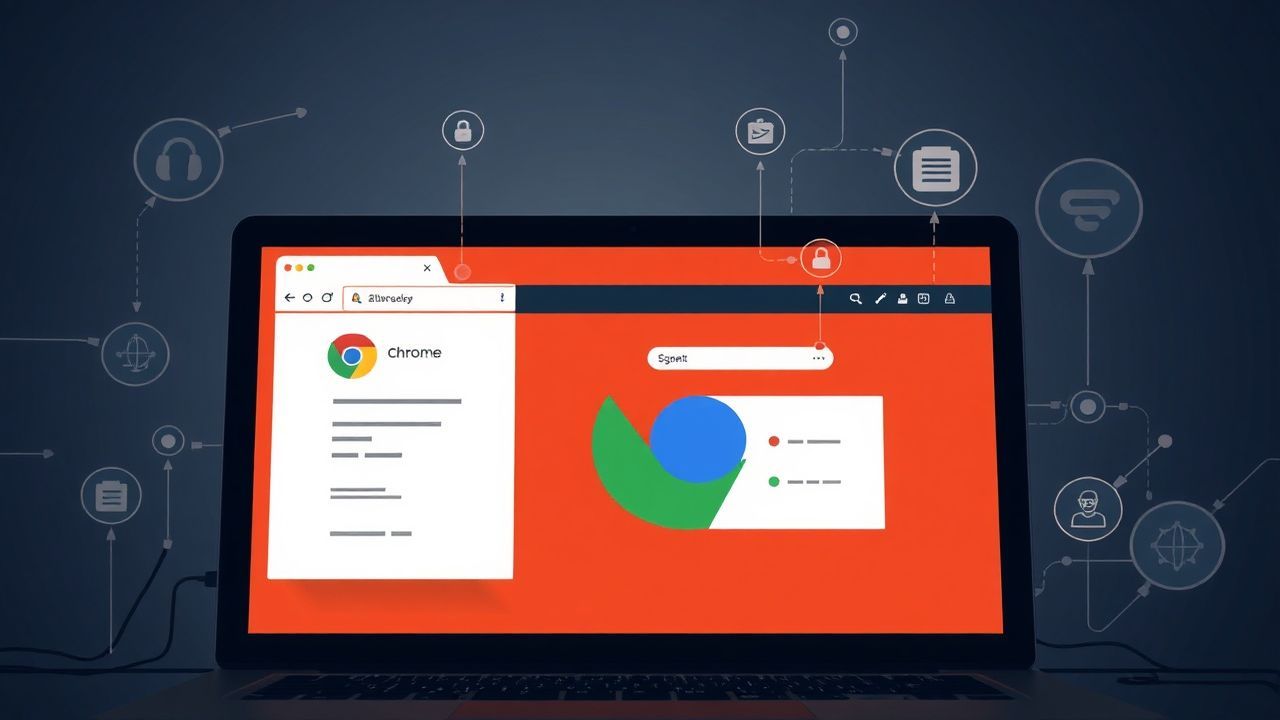
Revolutionary Chrome Integration for AI Agents
OpenClaw developers have unveiled version 2.0 with a technological innovation that fundamentally changes local AI agent usage. The new feature enables direct connection of AI agents to active Chrome sessions, allowing them to inherit the browser's login status, cookies and open tabs.
Three-Step Integration
According to the developers, setup requires just three simple steps: First, users open the Chrome prompt chrome://inspect/#remote-debugging. They then activate the corresponding switch and complete the configuration. Agents can then directly access the existing browser session.
Advantages Over Cloud Solutions
A key advantage of this local solution is that it offers functionality not possible with VPS (Virtual Private Server)-based approaches. Agents can seamlessly access authenticated sessions and personalized browser settings without requiring re-authentication or installation of browser extensions.
Technical Innovation
The integration uses Chrome's remote debugging interface to establish a real-time connection between the AI agent and the browser. This approach enables agents to operate in the background while users continue to work actively in the browser.
Outlook
Developers emphasize that this feature is particularly relevant for applications that need to access personalized services or protected areas. Local execution ensures maximum data security, as no information needs to be transmitted to external servers.